MAP Audio
Experimental creative audio software
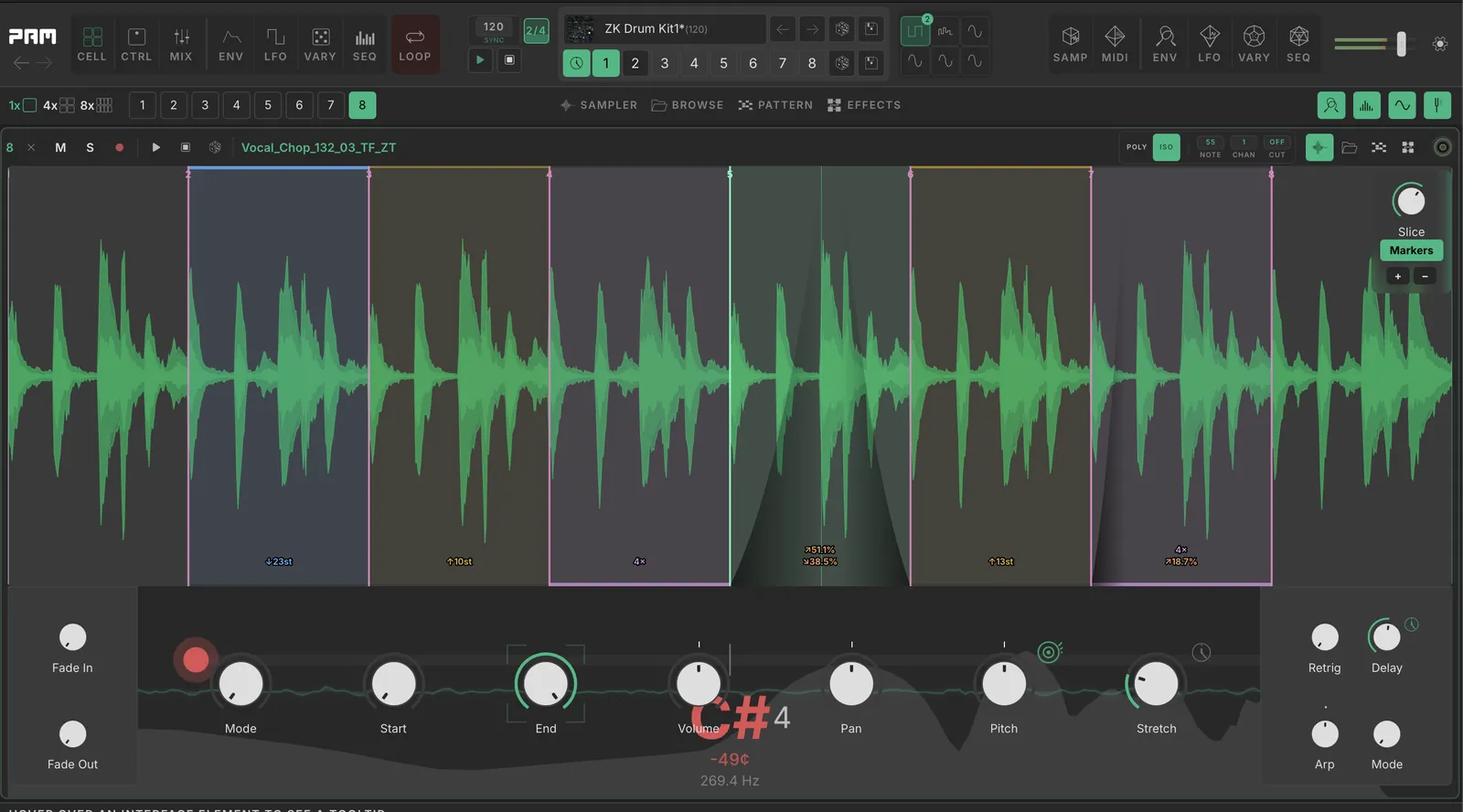
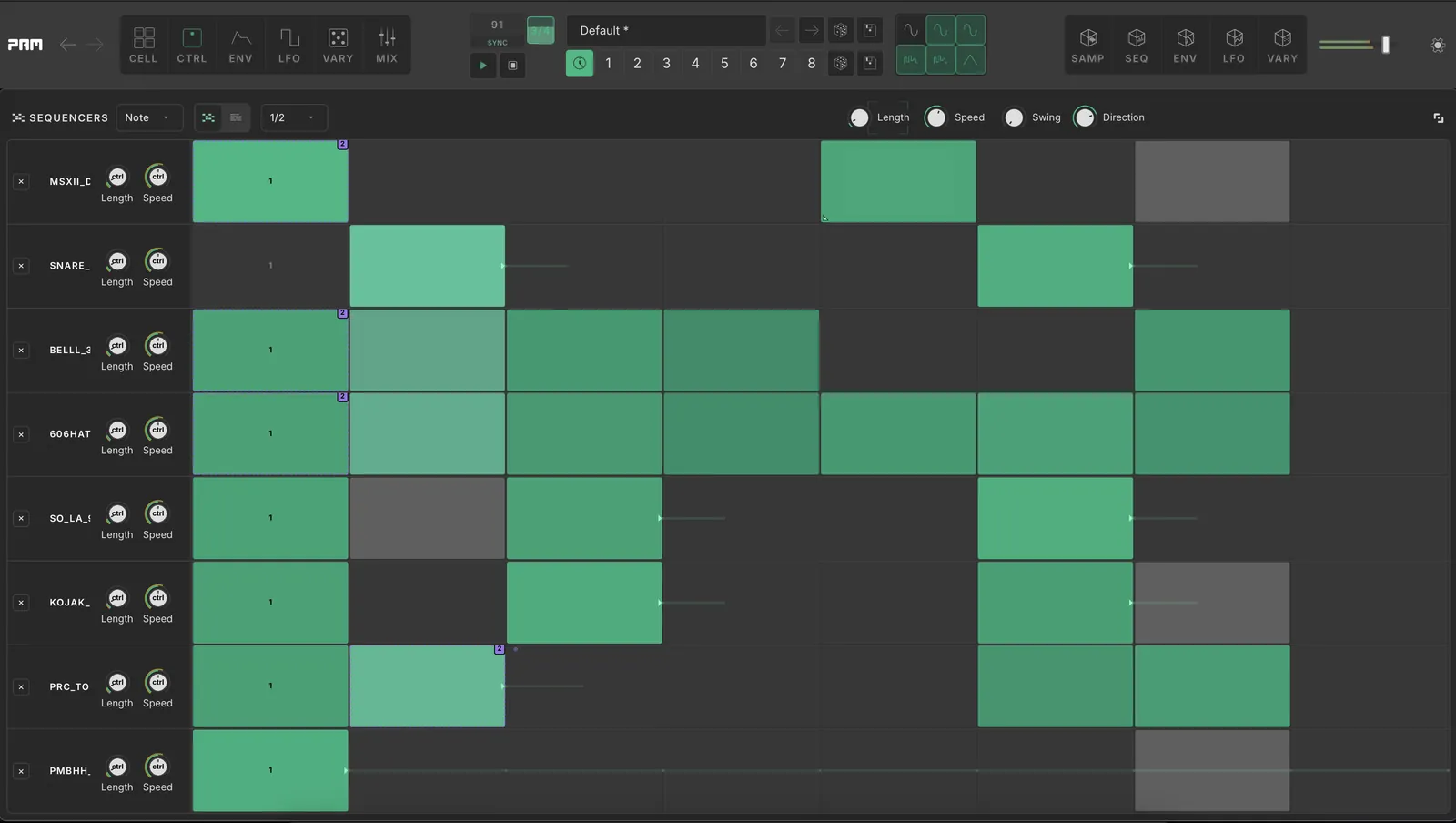
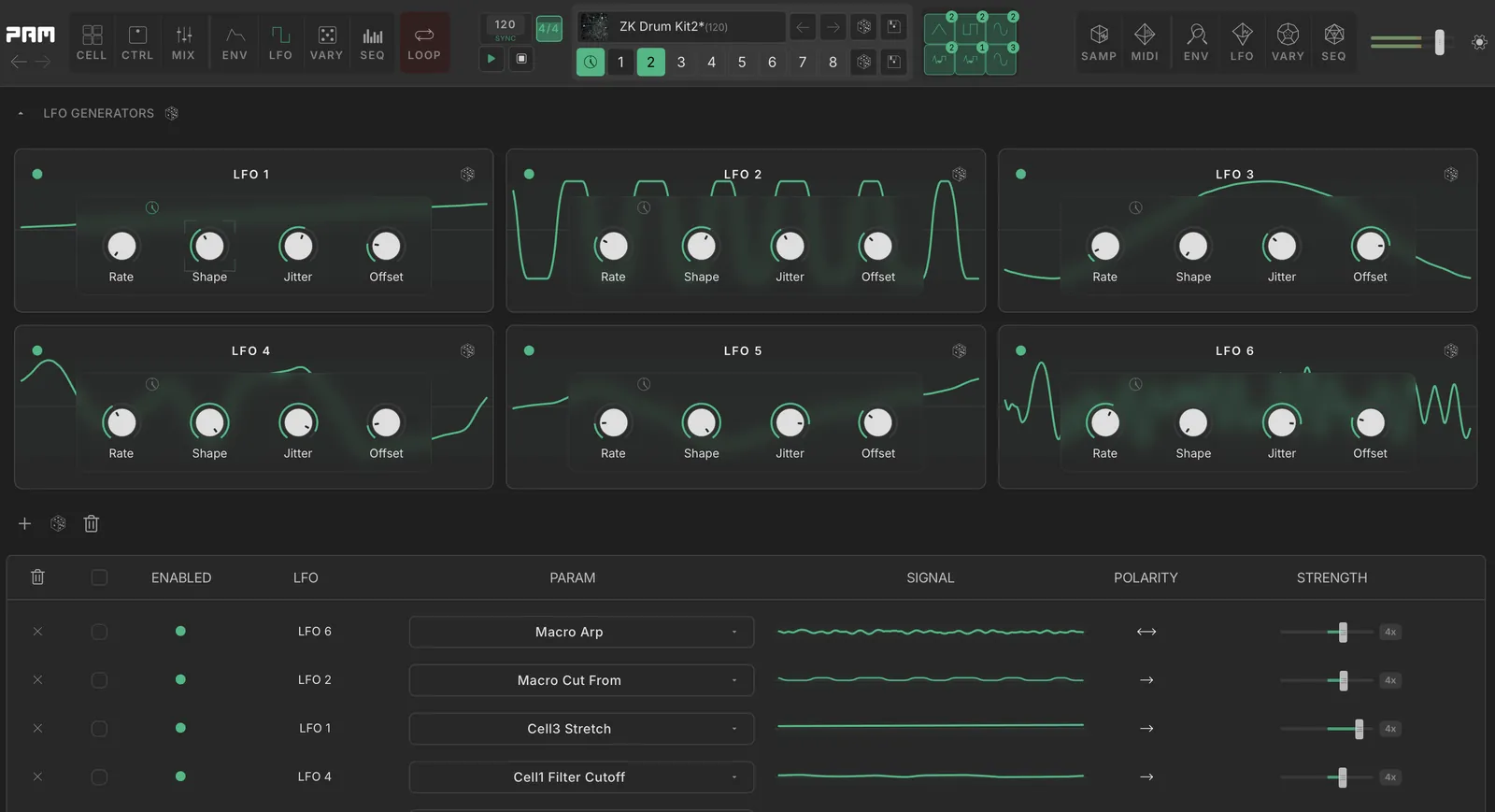
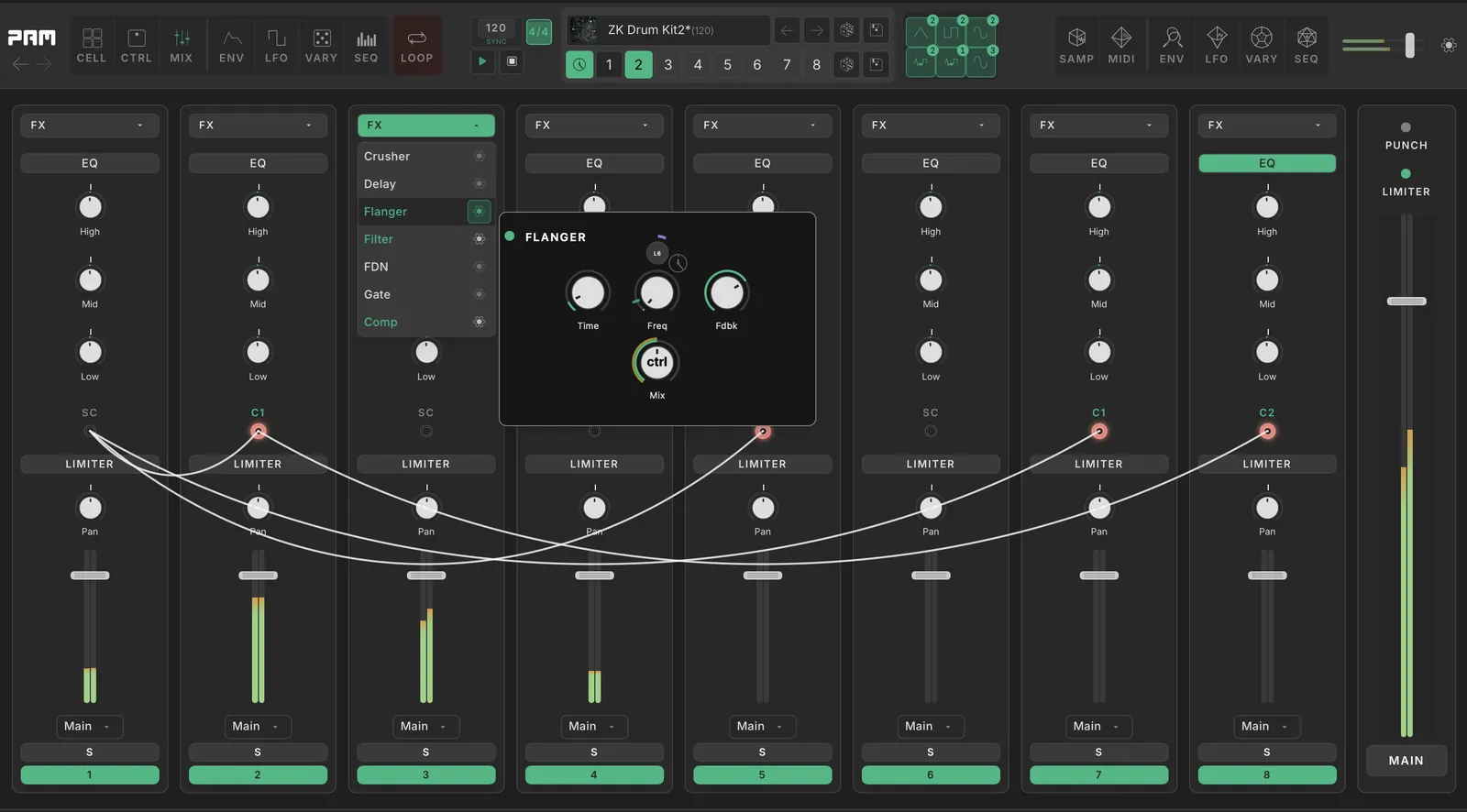
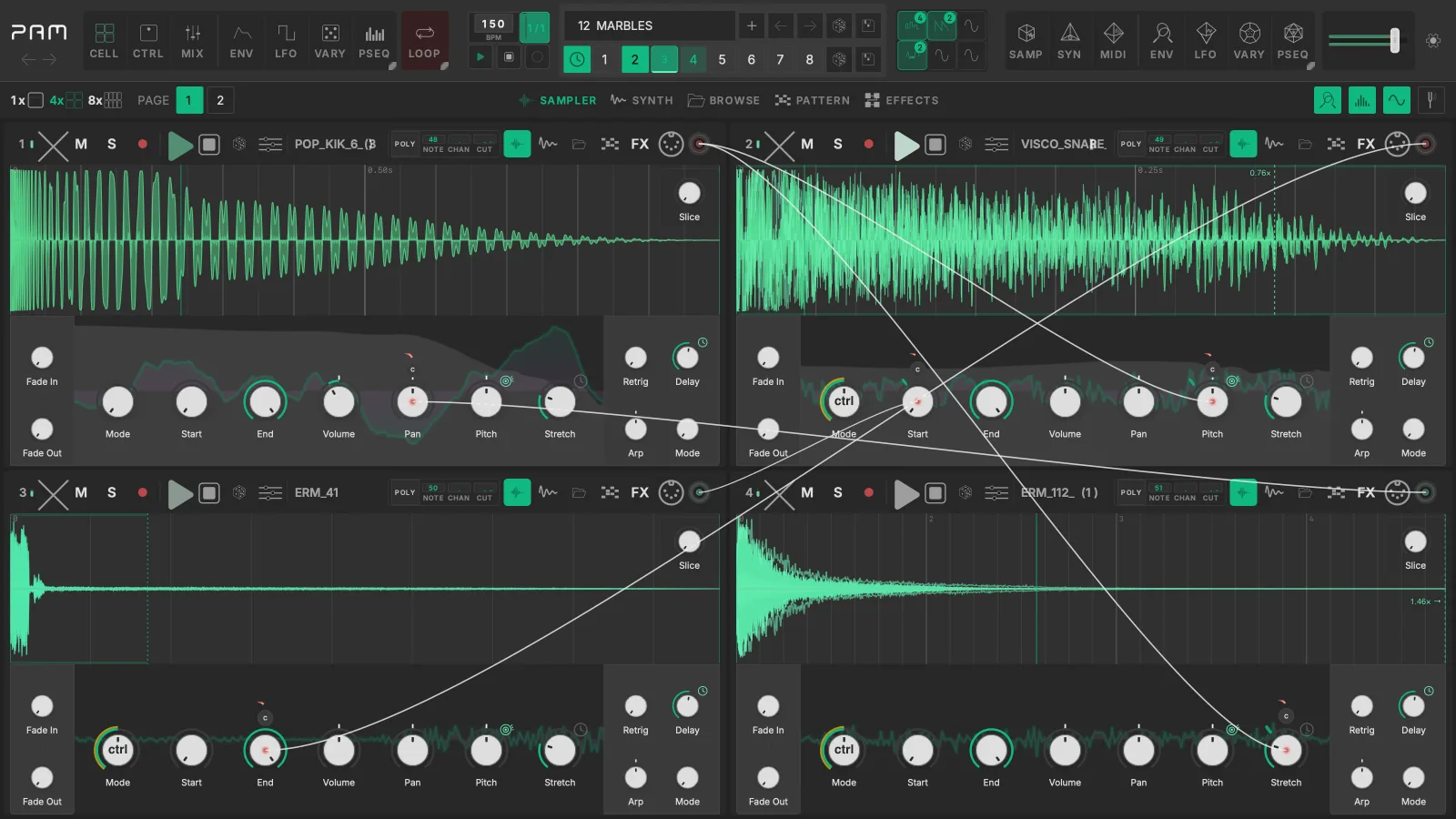
Eight sampler and drum-synth cells with 33 effects per cell, a modulation matrix, pattern sequencers, a tracker, and an eight-track looper.
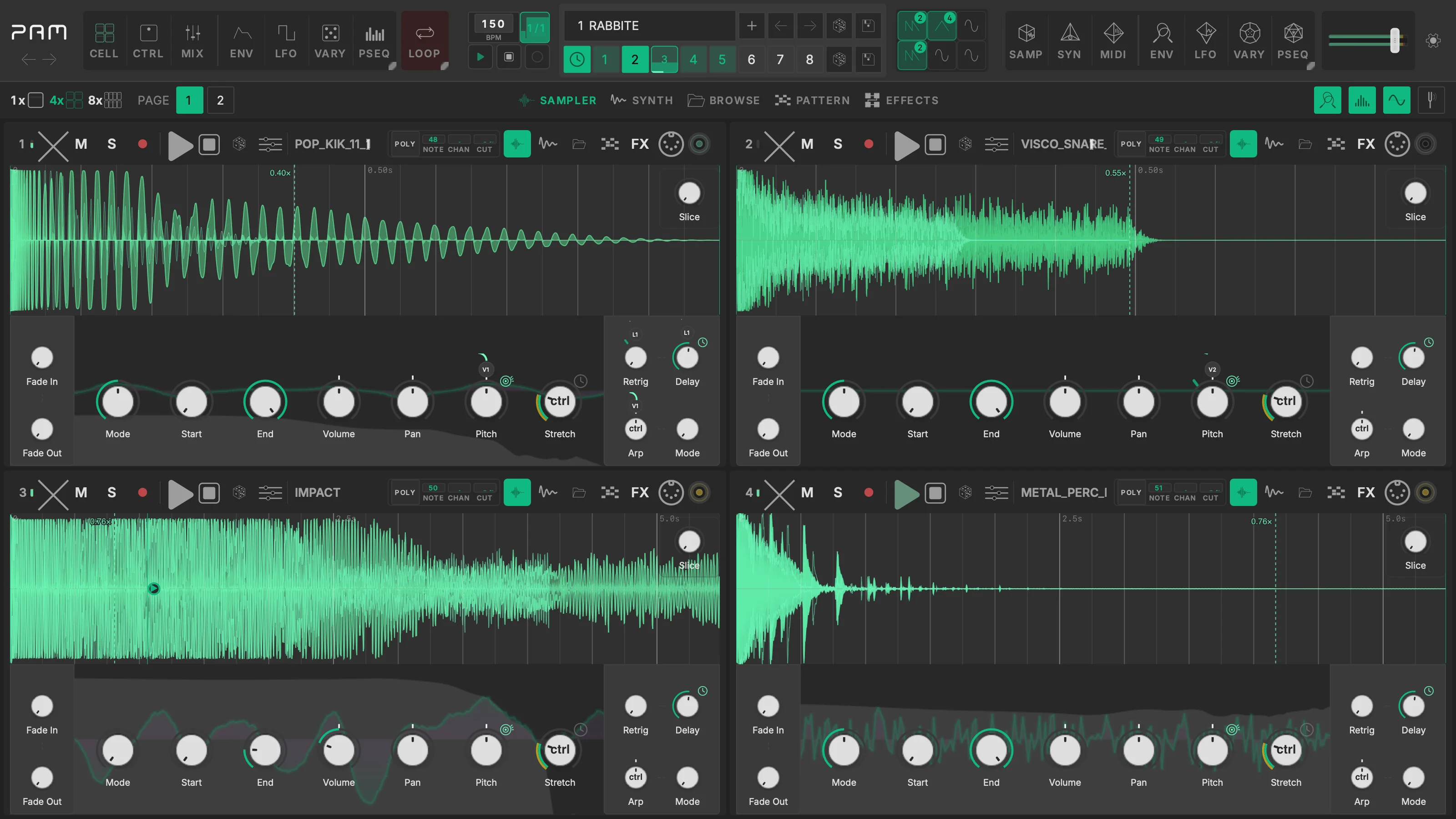
Plugins
What Artists Are Saying
PAM is absolutely wild. What an amazing piece of software you have designed here; it's a playground for sample manipulation.
Richard DevineMusician / Sound DesignerWatch Richard’s PAM session

Nice! It's like Suno, but not as dumb.
Benn JordanMusician / YouTuberWatch Benn’s PAM session
I do not know what I am doing, you cannot go wrong nor right, and I do not care because I am having fun so I will 99.999% be performing live with this.
Bogdan RaczynskiMusician

Watch PAM
Start with the complete tutorial, then watch producers and artists use PAM in their own sessions.
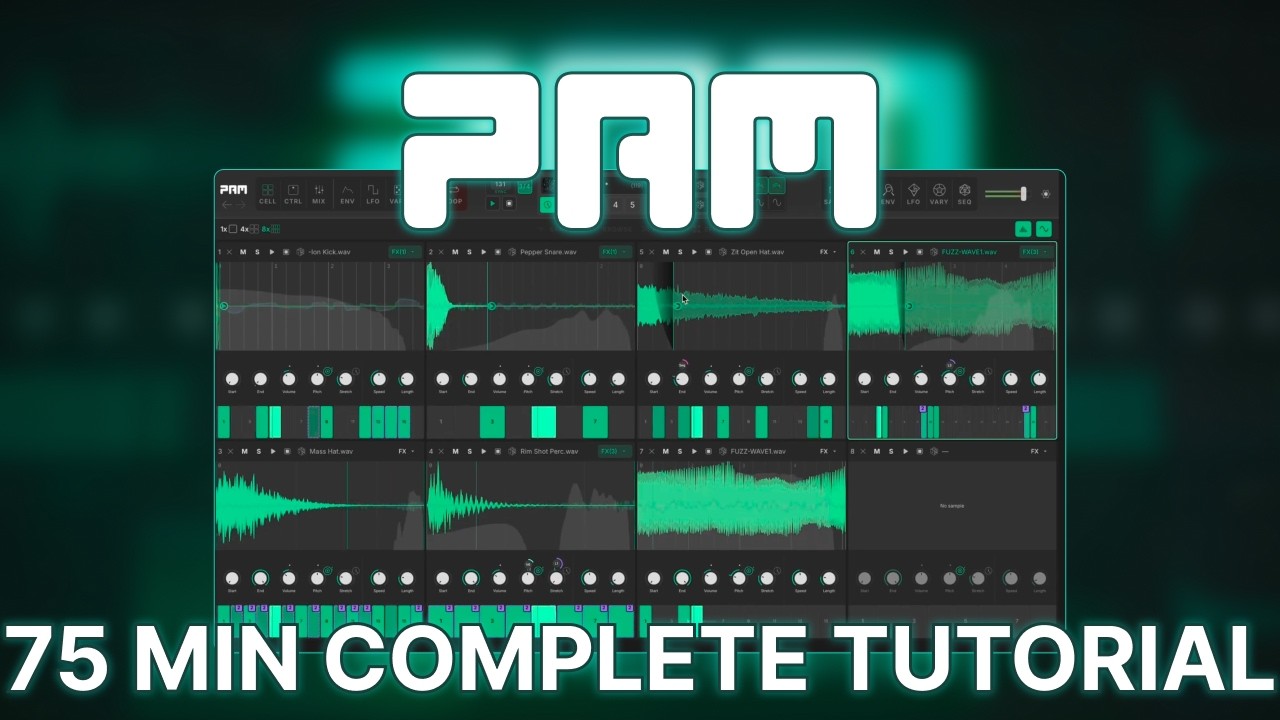
Official tutorial
PAM Complete Tutorial
MAP Audio
Official and creator videos
Play in the browser
Press Play to get started, scroll below for intro tutorial.
Guided Tour
Build a beat in PAM step by step: pick a tutorial preset and advance through it.
Sample beat
1. Kick, snare and hats
- Three sample cells at 122 BPM. Cell 1 plays a kick on every beat and cell 2 a snare on beats 2 and 4.
- Both are in Trigger mode, so each hit rings out in full.
- Cell 3 plays sixteenth hats on a one-beat Note lane. Its four steps sit at four velocities, so even a one-beat loop carries an accent.
- Open the Note lane keyboard on the hats and move a velocity. The accent moves with it.
Work with us
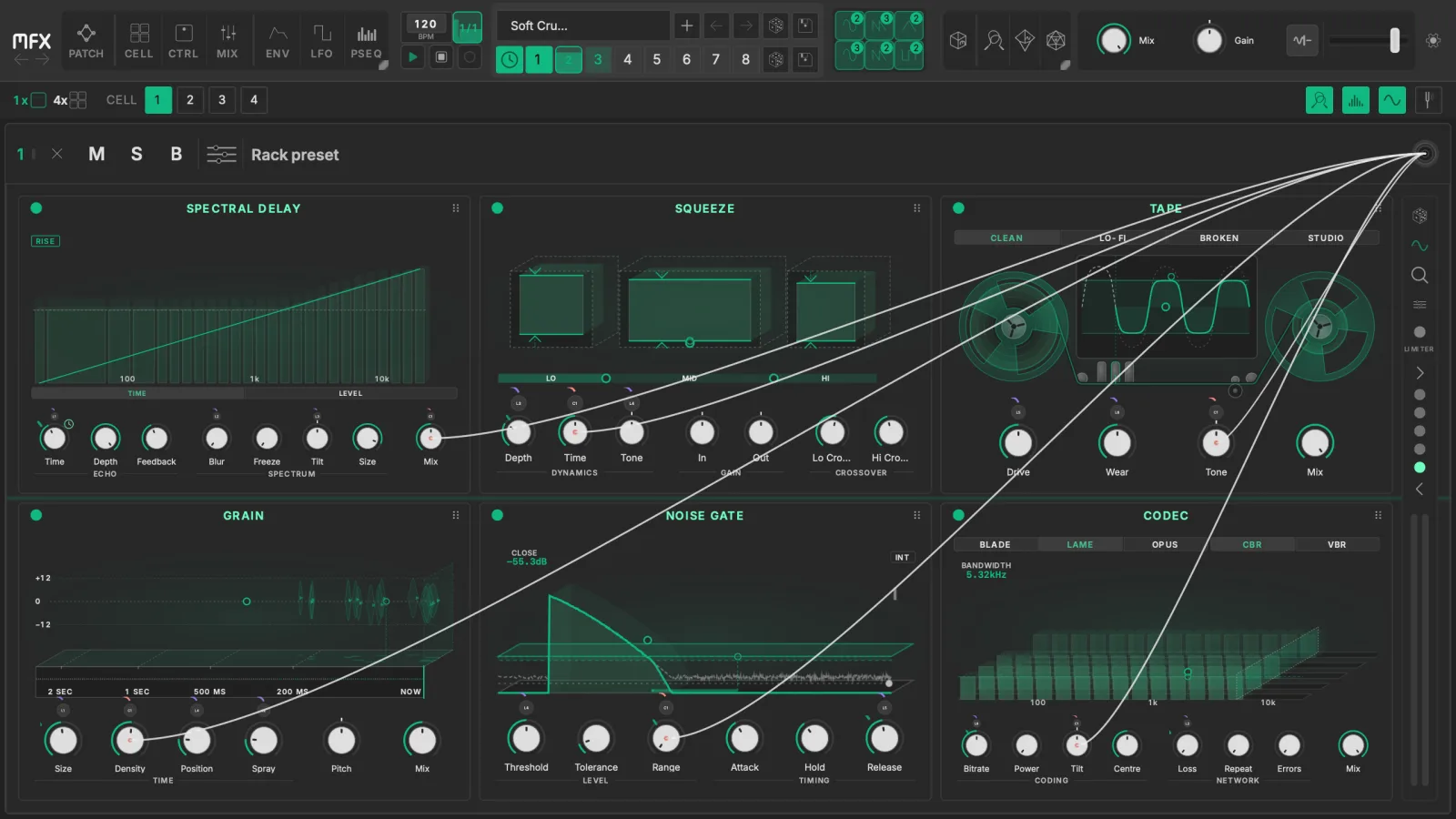
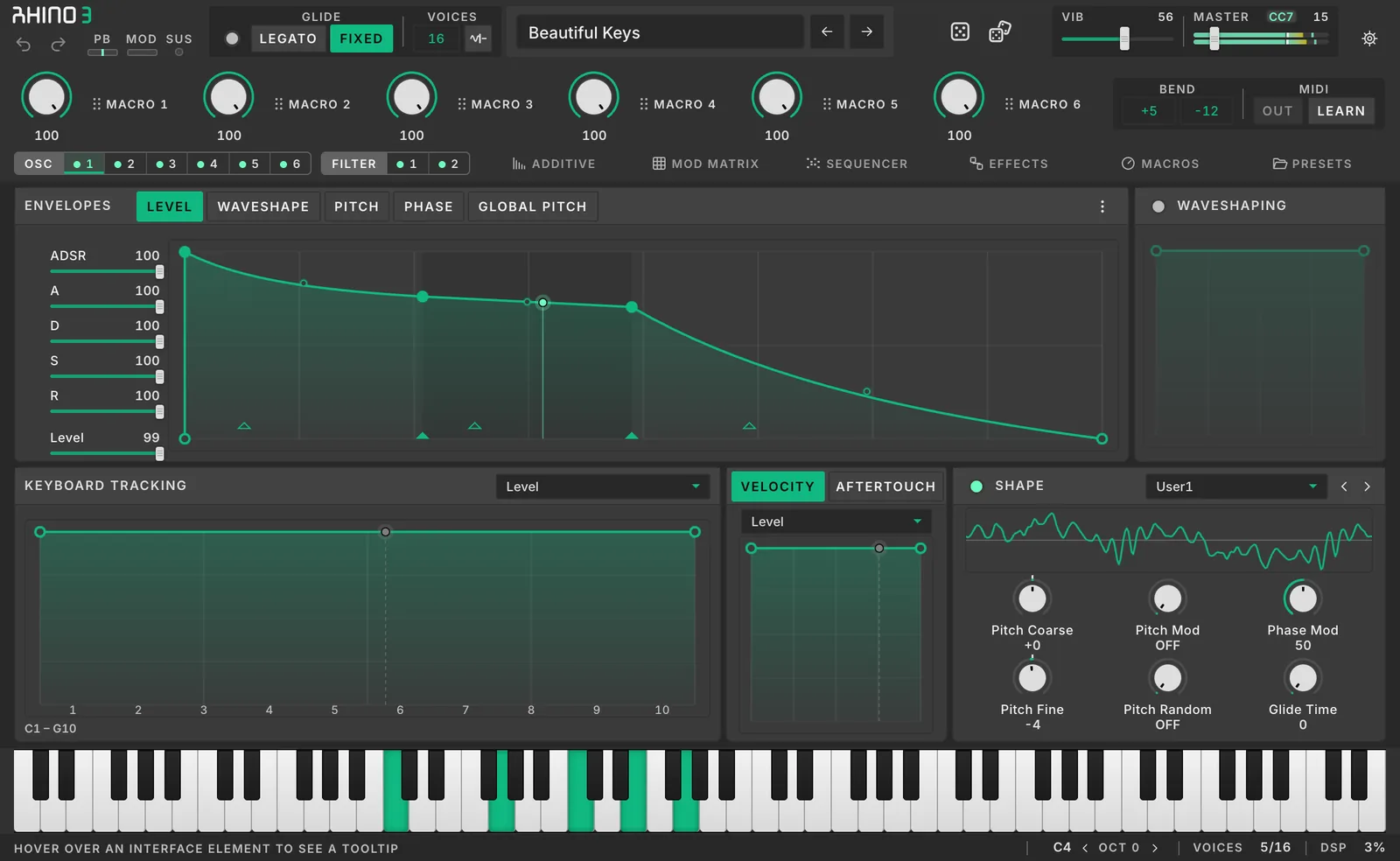
We also work with other companies on audio plugins and DSP.